How-to guide · WearKeeper
Watch cost per wear: how to work it out and keep track
By Mirage Interactive ·
The short answer
Cost per wear is what you paid for a watch divided by the number of times you have worn it. It falls every time you wear the watch, which is why it shows which pieces earn their place and which sit in the box.
You can do the sum on paper. WearKeeper keeps the wear log for you: tap Mark worn today and the count, the idle days and the cost per wear update from your own record.
The sum
-
Write down what you paid
Use the price you actually paid. If you want a fuller figure, add what you have spent on servicing.
-
Count the wears
One day on the wrist is one wear. Keep a running tally for each watch.
-
Divide
Cost per wear = price paid ÷ number of wears. A watch that cost 2,000 and has been worn 50 times costs 40 per wear. After 200 wears the same watch costs 10 per wear.
Let WearKeeper keep the log
WearKeeper stores your collection on your device. There is no account and no sync.
-
Add a watch
Type the details (reference, calibre, what you paid, where it came from), or paste a link to a listing and let the optional on-device AI fill them in for you to check.
-
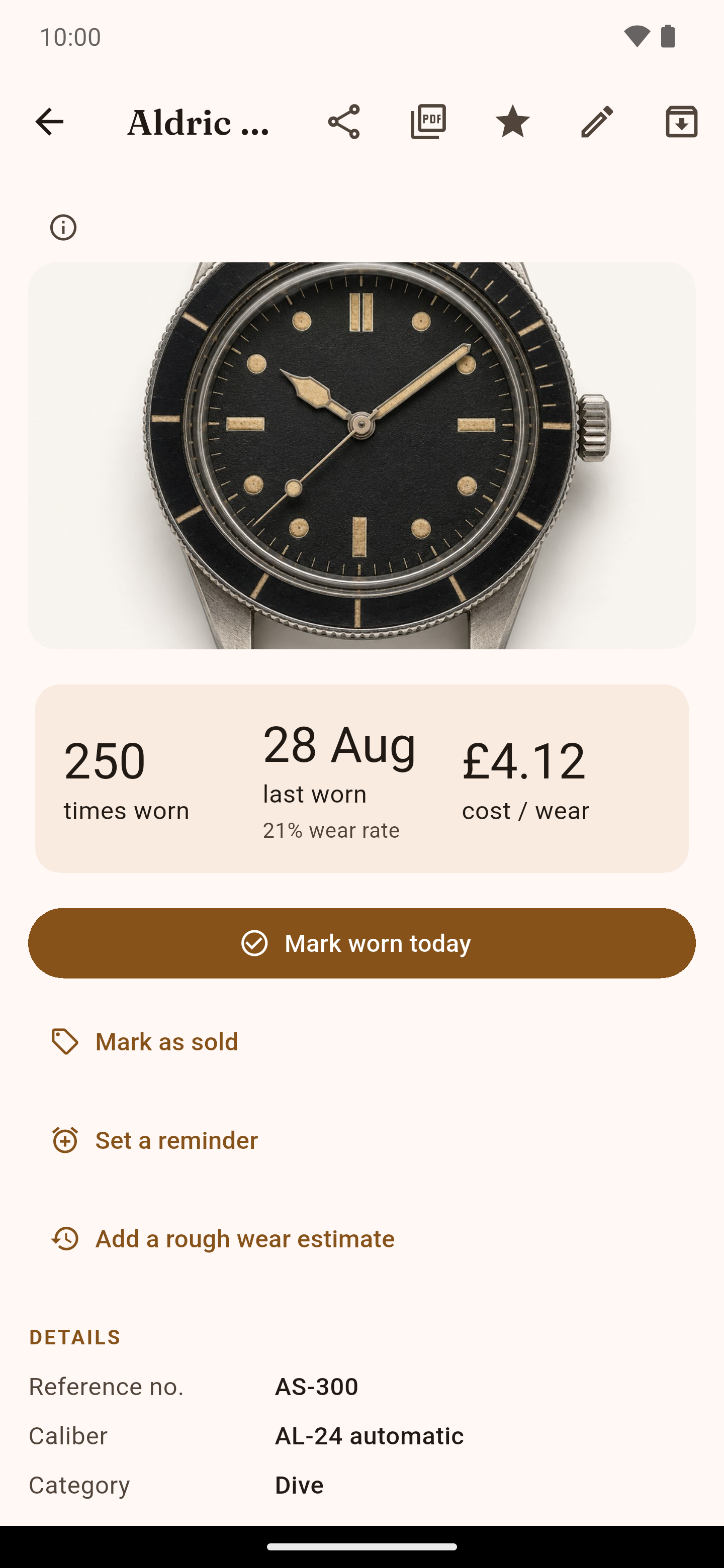
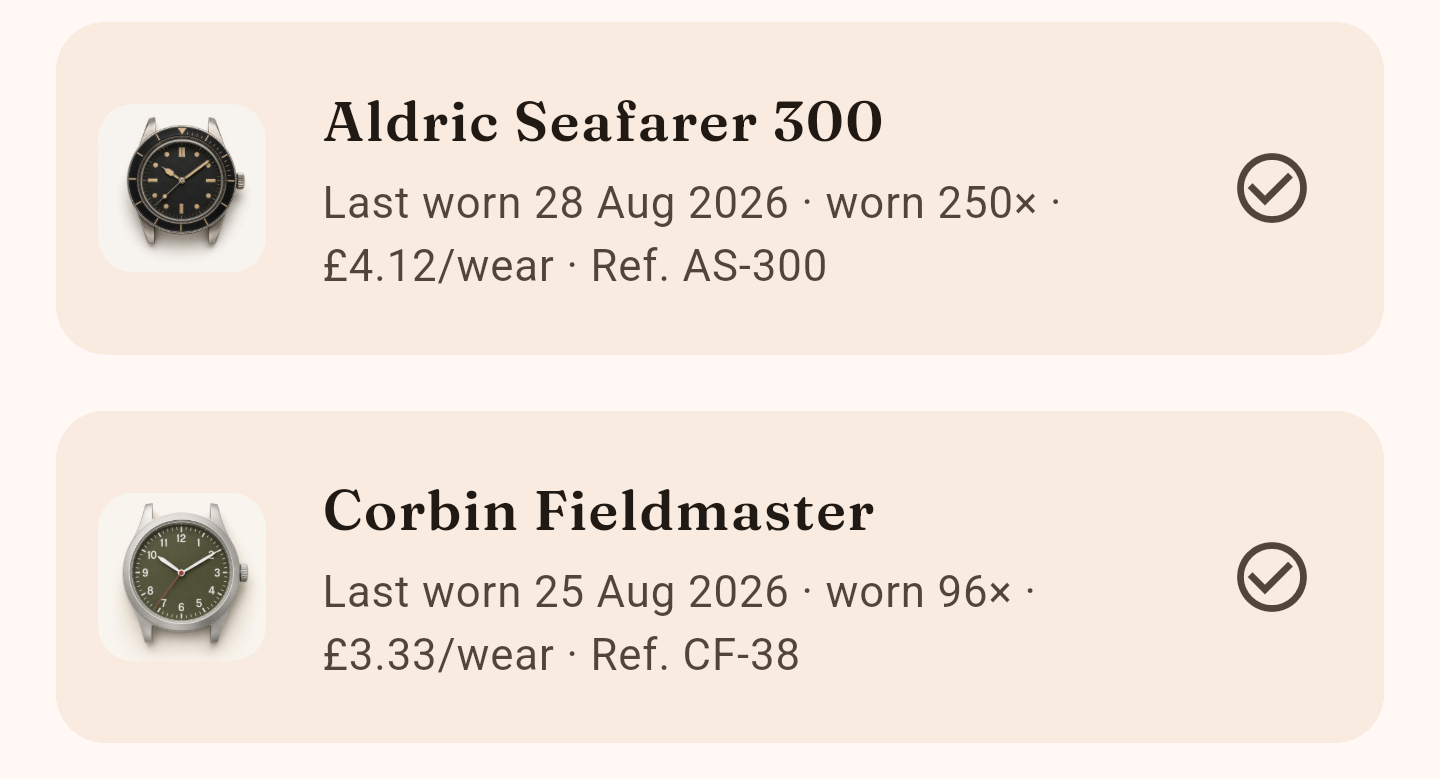
Mark it worn
One tap on Mark worn today, on the collection screen or the watch page.
-
Read the numbers
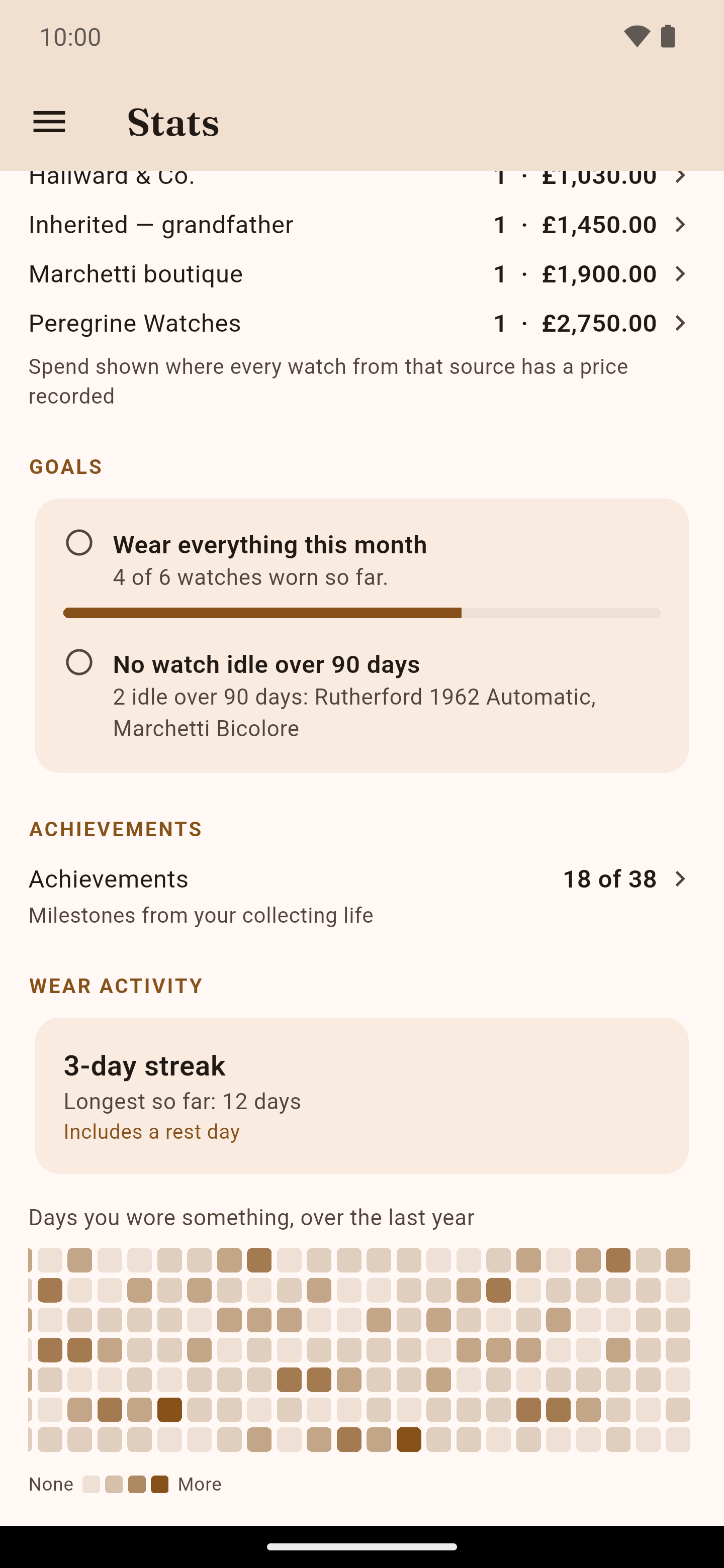
Cost per wear, last worn, idle days and statistics update from your own log. The app also suggests a watch you have neglected, from your own wear log.
-
Keep a copy
Export a backup file or spreadsheet whenever you like, and a PDF report of the collection. On Android, backups can also go to your own Google Drive.
What to know first
- The numbers are worked out by ordinary app logic, never by the AI. The AI is optional, runs on your device and is a separate download of about 378 MB.
- WearKeeper for Android is free to download with some limits; one optional purchase on Google Play removes them. The Windows version is a one-time purchase in the Microsoft Store. The two purchases are separate.
- The PDF report is your own record. It is not a professional appraisal.
- There is no sync between devices and no iOS version.
Do it in minutes

WearKeeper
Free on Google Play with an optional one-time unlock, or a one-time purchase on the Microsoft Store. No subscription.


Questions
What is a good cost per wear for a watch?
There is no standard figure. It depends on what you paid and how often you wear the watch; the point is to watch it fall as you wear the piece, and to see which watches stay expensive per wear.
Does WearKeeper need an account or sync?
No. The collection is stored on your device. You can export a full backup file at any time.
Is the report a valuation for insurance?
It is your own record, with what you paid and what you declared it worth, and it says on every page that it is not a professional appraisal. Whether an insurer accepts it is up to them.