Watch collection tracker

WearKeeper
Know what you own, what you wear, and what each watch costs you per wear. No account needed.
WearKeeper for Android
Available on Google Play
Free to download. An optional one-time unlock through Google Play removes the free limits. No subscription.
WearKeeper for Windows
Available on Microsoft Store
One-time purchase in the Microsoft Store. No subscription and no in-app purchases.
Requires Windows 10 or later.
Google Play and Microsoft Store purchases are separate. How the Windows version differs
What it does
Every watch, properly recorded
Reference, calibre, measurements, what you paid, where it came from, service history and documents. Set a service reminder and it arrives when it's due.
What you wear, and what it costs per wear
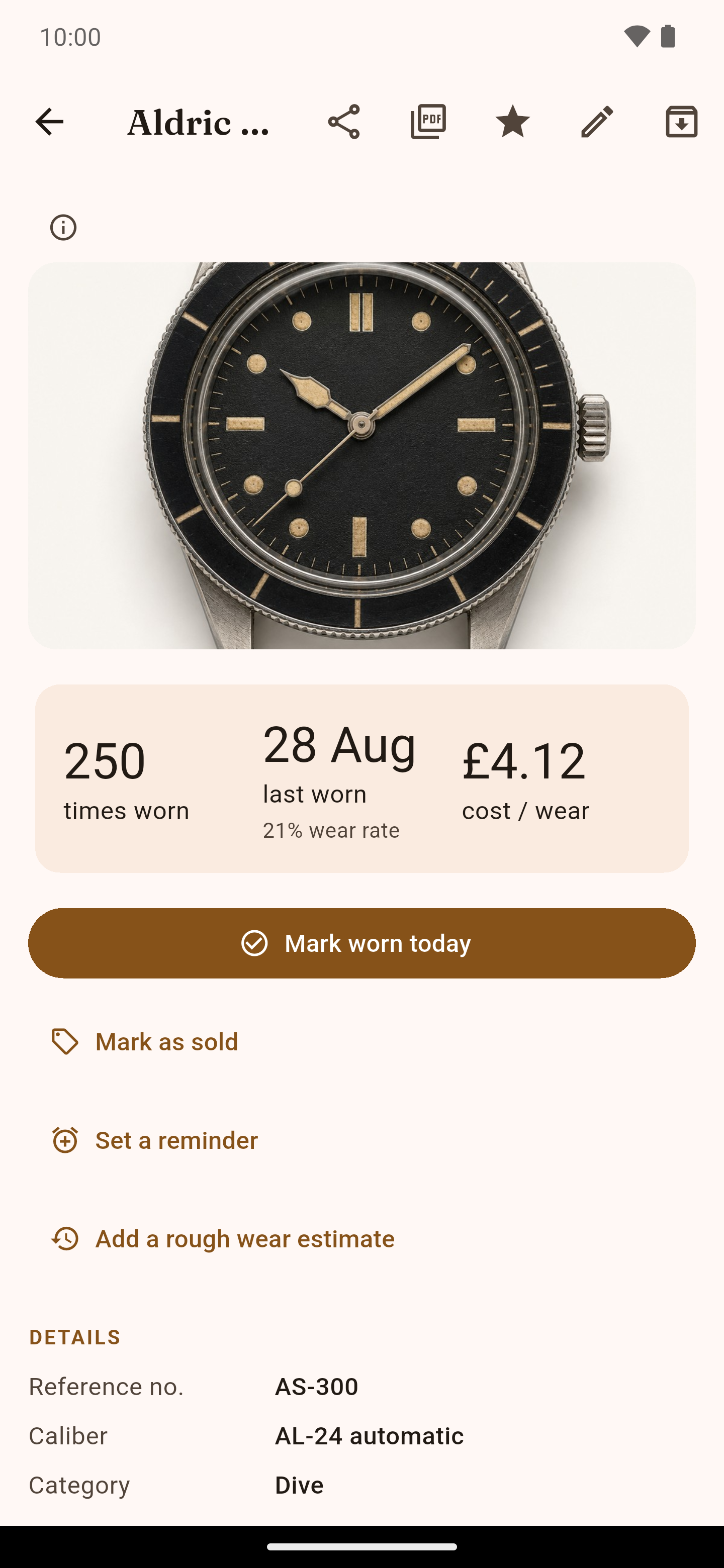
Tap Mark worn today. WearKeeper keeps the count and divides what you paid by the times you've worn it. In the demo at the top of this page, a watch worn 250 times comes to £4.12 per wear.
A suggestion for today
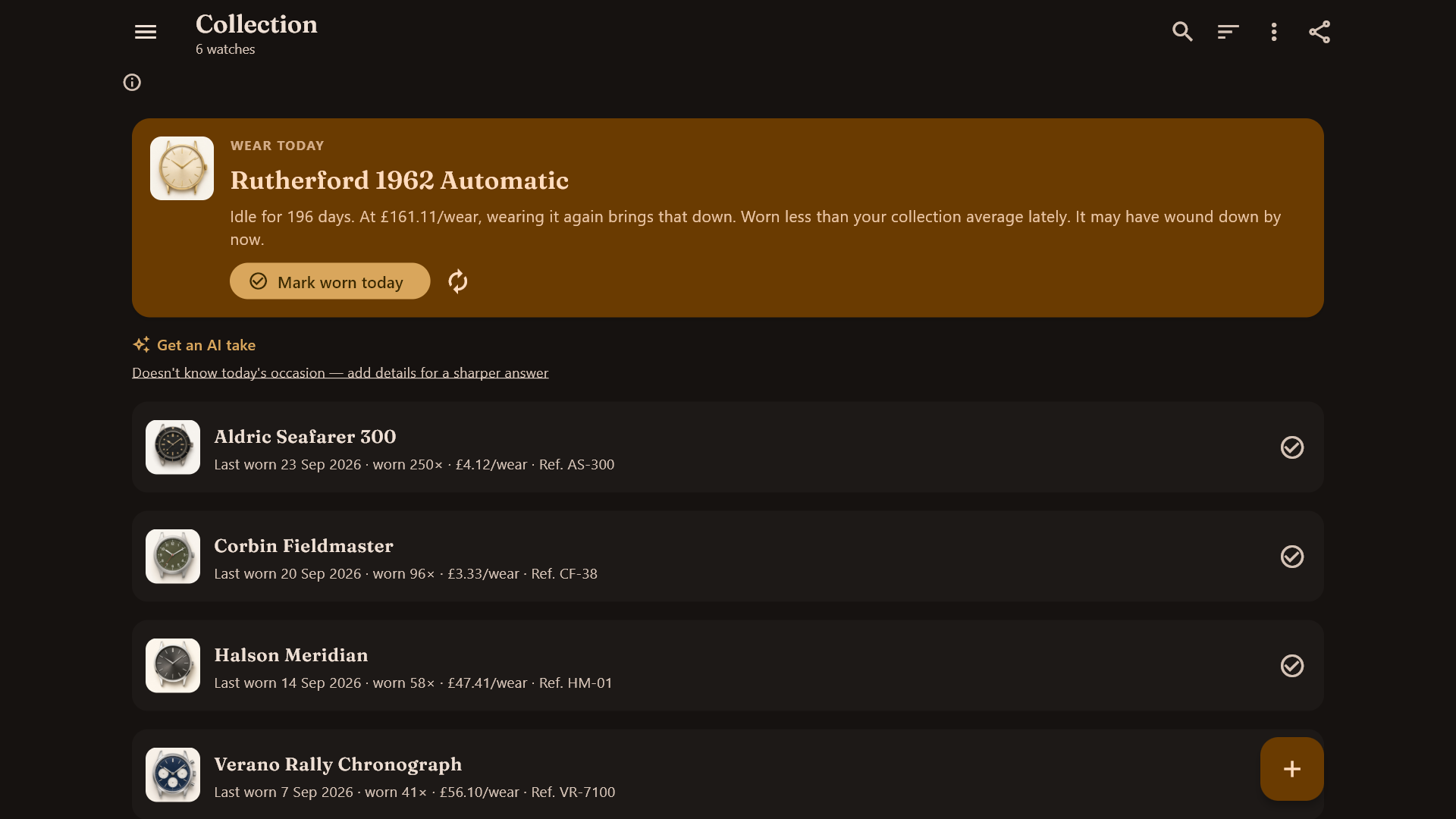
The app picks a watch you've neglected and says why, from your own wear log: how long it has been idle and what wearing it does to its cost per wear.
Statistics and goals
Spend by source, a year of wear activity, streaks and goals such as "no watch idle over 90 days".
Reports and backups
A PDF report of the collection keeps what you paid and what you declared it worth as separate totals, and flags valuations more than three years old. Export a spreadsheet or a full backup file whenever you like.
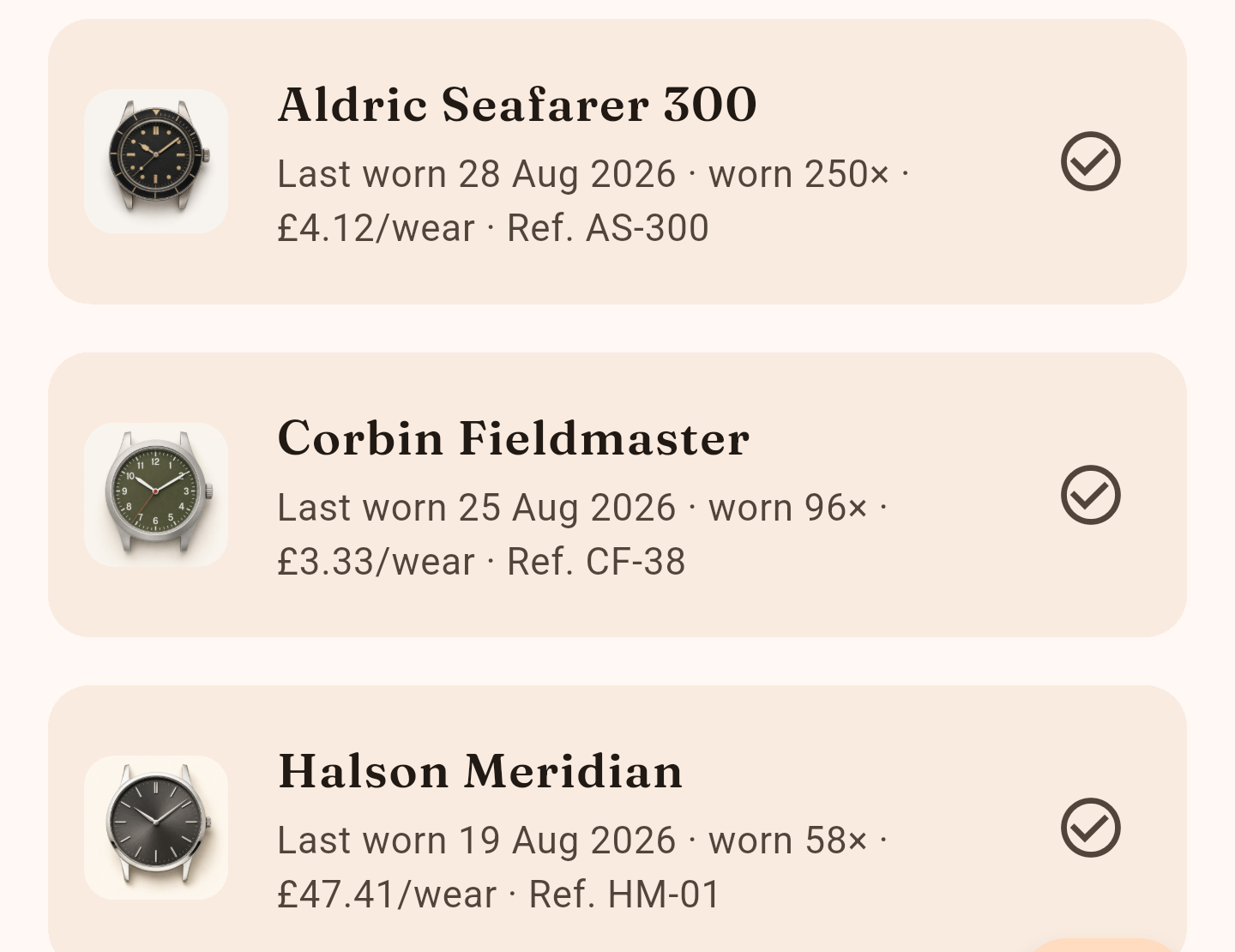
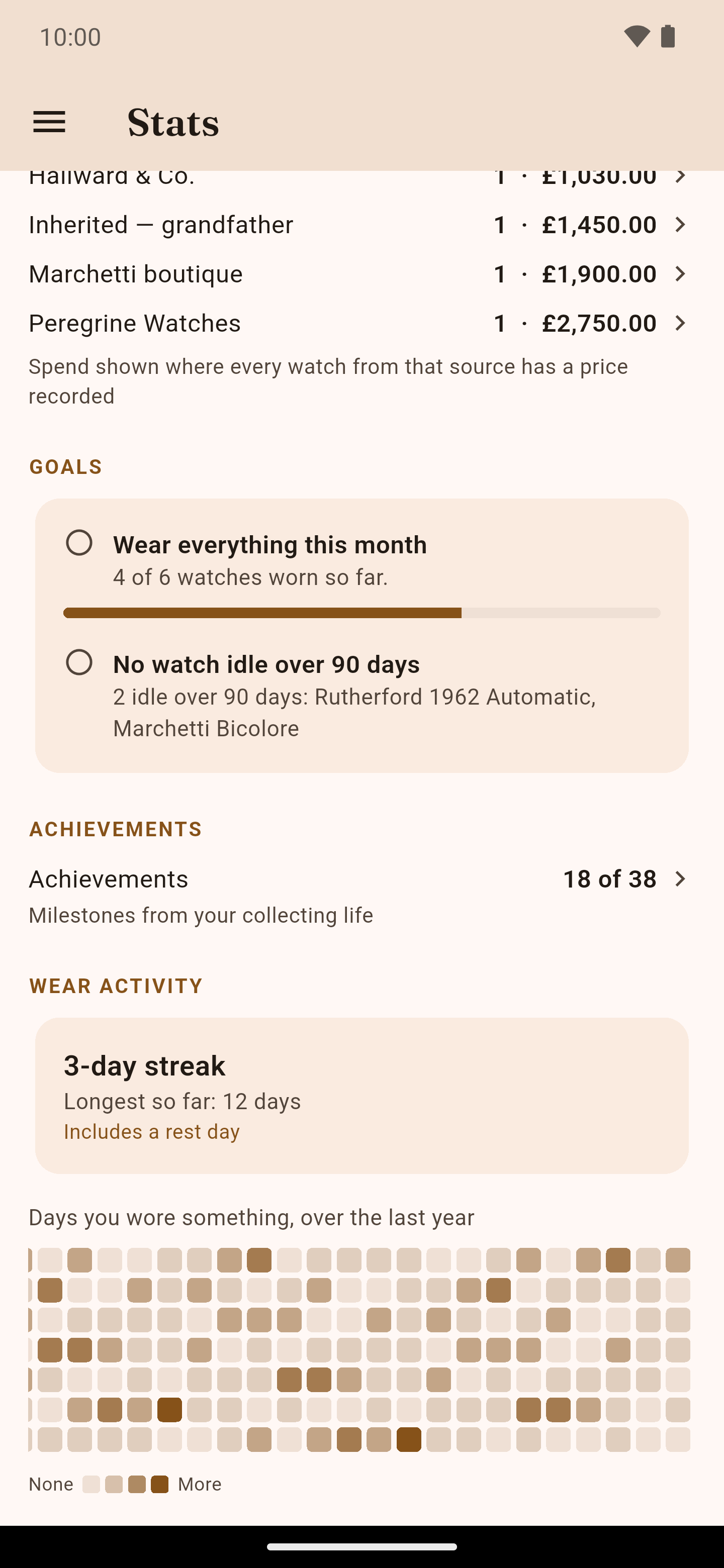
All screenshots show WearKeeper on Android with a fictional demo collection.
How you use it
- Step 1
Add a watch
Type the details, or paste a link to a listing and let the optional AI fill them in for you to check.
- Step 2
Mark it worn
One tap on the collection screen or the watch page.
- Step 3
Read the numbers
Cost per wear, idle days and statistics update from your own log.
- Step 4
Keep a copy
Export a backup file or spreadsheet. On Android, backups can also go to your own Google Drive.
The optional AI, and what it doesn't do
The numbers are never the model's. Cost per wear, idle days, statistics and which watch to suggest are worked out by ordinary app logic.
The optional AI does three narrower jobs: it reads a watch listing you paste, it can tidy a diary entry, and in English it words the suggestions the app has already worked out. It runs on your device. It is a separate download of about 378 MB, fetched only when you ask for it, and works offline once installed.
Spot something inappropriate in what it writes? Report AI-generated content.
The one-time unlock
WearKeeper for Android is free to download, and some features are limited in the free version. One purchase through Google Play removes those limits. The unlock screen in the app lists what it adds before you buy, and Google Play shows the price. There is no subscription.
WearKeeper for Windows
No Microsoft Store link yet
It will be paid upfront, with everything included and no in-app purchases. Google Play and Microsoft Store purchases are separate: buying on one does not unlock the other.
It uses the same collection, wear log and on-device AI. It has no Google Drive backup, home-screen widget or receipt text reading, and app lock uses Windows Hello.
Privacy
There's no account and no Mirage Interactive server holding your collection. It is stored on your device. The app connects to the internet only for things you start: the AI download, reading a listing you paste, purchases, and Google Drive backup on Android if you turn it on. It has no analytics, advertising or crash-reporting library.
Before you buy
- Some features are limited in the free Android version. The app shows what the one-time unlock adds before you pay, and Google Play shows the price.
- Buying on Google Play and buying on the Microsoft Store are separate purchases. The Android unlock does not unlock the Windows version, or the other way round.
- There is no sync between devices. You can export a full backup file at any time and choose where it goes.
- The AI is an optional download of about 378 MB. Everything else works without it.
- The PDF report is your own record for documentation. It is not a professional appraisal.
- There is no iOS version.
Questions
Does WearKeeper sync between devices?
No. There is no sync. You can export a full backup file whenever you like, and on Android backups can also go to your own Google Drive.
Does the Android unlock also cover Windows?
No. Google Play and the Microsoft Store sell separately, and purchases don't transfer between them.
Is there a subscription?
No. Android has a single one-time unlock, and the Windows version will be paid once, upfront.
Is the report a valuation for insurance?
It is your own record of the collection, with what you paid and what you declared it worth. It says on every page that it is not a professional appraisal. Whether an insurer accepts it is up to them.
Is there an iPhone version?
No, and none is announced.
Get WearKeeper
WearKeeper for Android
Available on Google Play
Free to download. An optional one-time unlock through Google Play removes the free limits. No subscription.
WearKeeper for Windows
Available on Microsoft Store
One-time purchase in the Microsoft Store. No subscription and no in-app purchases.
Requires Windows 10 or later.
Need help? WearKeeper support